
- have Microsoft Visual Studio installed
- have git.exe
- have corresponding Unreal Engine (UE) version installed
To Generate Plugin:
Step 1:
- run
generate_uplugin.bat- if cmd failed with error message stating "generate_uplugin.ps1 cannot be loaded. The file generate_uplugin.ps1 is not digitally signed."
- you might need to:
- edit the bat file to use
"-ExecutionPolicy Bypass" - or edit the LocalMachine's PowerShell execution policy to "bypass".
- edit the bat file to use
- you might need to:
- if cmd failed with error message stating "could not find git.exe in Path Variable"
- edit Windows Environment Variables -> "PATH" variable to include the location of
git.exe.
- edit Windows Environment Variables -> "PATH" variable to include the location of
- if cmd failed with error message stating "generate_uplugin.ps1 cannot be loaded. The file generate_uplugin.ps1 is not digitally signed."
Result: "RenderStream-UE.uplugin" created.
Step 2:
- run
package_plugin.bat - when prompted, enter unreal_engine_path, for example
"E:\UE_4.27"- Note: you should have the UE version matching the plugin version installed
Result: A new folder "Packaged" is created and the packaged plugin is created.
To work on the plugin against a real Unreal project, use the dev setup scripts.
setup_dev_environment.bat -ProjectDir "D:\path\to\UEProject" [options]
This runs three steps in order:
generate_uplugin.ps1— builds the.upluginfromuplugin_template.json.link_to_project.ps1— junction-links this repo into the project'sPluginsfolder, so edits andgit statusstay live in place.generate_project_files.ps1— generates VS Code (or-VisualStudio) project files via UnrealBuildTool. Blueprint-only projects (noSourcefolder) are auto-scaffolded with a minimal C++ game module first.
Add -Create to generate a fresh RenderStream test project at -ProjectDir, then set it up. Add -Bake to also build the editor target and author the test scene + RenderStream schema headlessly:
setup_dev_environment.bat -Create -Bake -ProjectDir "D:\path\to\NewProject" [options]
With -Create the project is generated first (create_project.ps1); -Bake then runs the headless bake (bake_project.ps1) after linking + project-file generation. The baked scene contains:
- A cube spinning on load, its six faces each split into two halves so all twelve render-target textures show on the cube (one per half-face).
- Three RenderStream channels:
RenderStreamCamera, plusbackplate(cube force-hidden) andfrontplate(cube force-visible). - A
CaptionTextactor driven by the exposed parameters. - Exposed parameters grouped as Lighting (
DirectionIntensity,PointIntensity), Label (Caption,Colour,Visible) and Texture (Texture00–Texture11), plusStartRotation/StopRotationcustom events that toggle the spin. - Two maps, each with a streaming sub-level.
Forwarded to the relevant step:
| Option | Effect |
|---|---|
-Create |
Generate a fresh RenderStream test project at -ProjectDir before setup. |
-ProjectName <name> |
Project/module name for -Create (defaults to the folder name). |
-Rhi <D3D12|D3D11|Vulkan> |
Default graphics RHI for a -Create project (defaults to D3D12). |
-Mode <None|Maps|StreamingLevels> |
RenderStream scene selector for a -Create project (defaults to None). |
-NoBackup |
Delete an existing real plugin folder instead of backing it up. |
-VisualStudio |
Generate a Visual Studio .sln instead of VS Code files. |
-IncludeEngine |
Include full engine source in the workspace (heavier, better for engine debugging). |
-Open |
Open the generated workspace when done. |
-SkipUplugin |
Skip regenerating the .uplugin. |
-Bake |
Run the headless bake (build editor target + generate test scene/schema). |
-Help |
Show a one-line description of each flag and exit. |
Run any script with -Help for a summary of its flags.
The individual steps can also be run on their own:
create_project.ps1 -ProjectDir "D:\path\to\NewProject"— generate the project skeleton only (supports-Rhi/-Mode).bake_project.ps1 -ProjectDir "D:\path\to\Project"— build the editor target and run the bake commandlet.link_to_project.bat "D:\path\to\UEProject"— link only;link_to_project.bat -Unlinkremoves the last-created junction.generate_project_files.bat— regenerate project files for the last-linked project (or pass-ProjectDir).
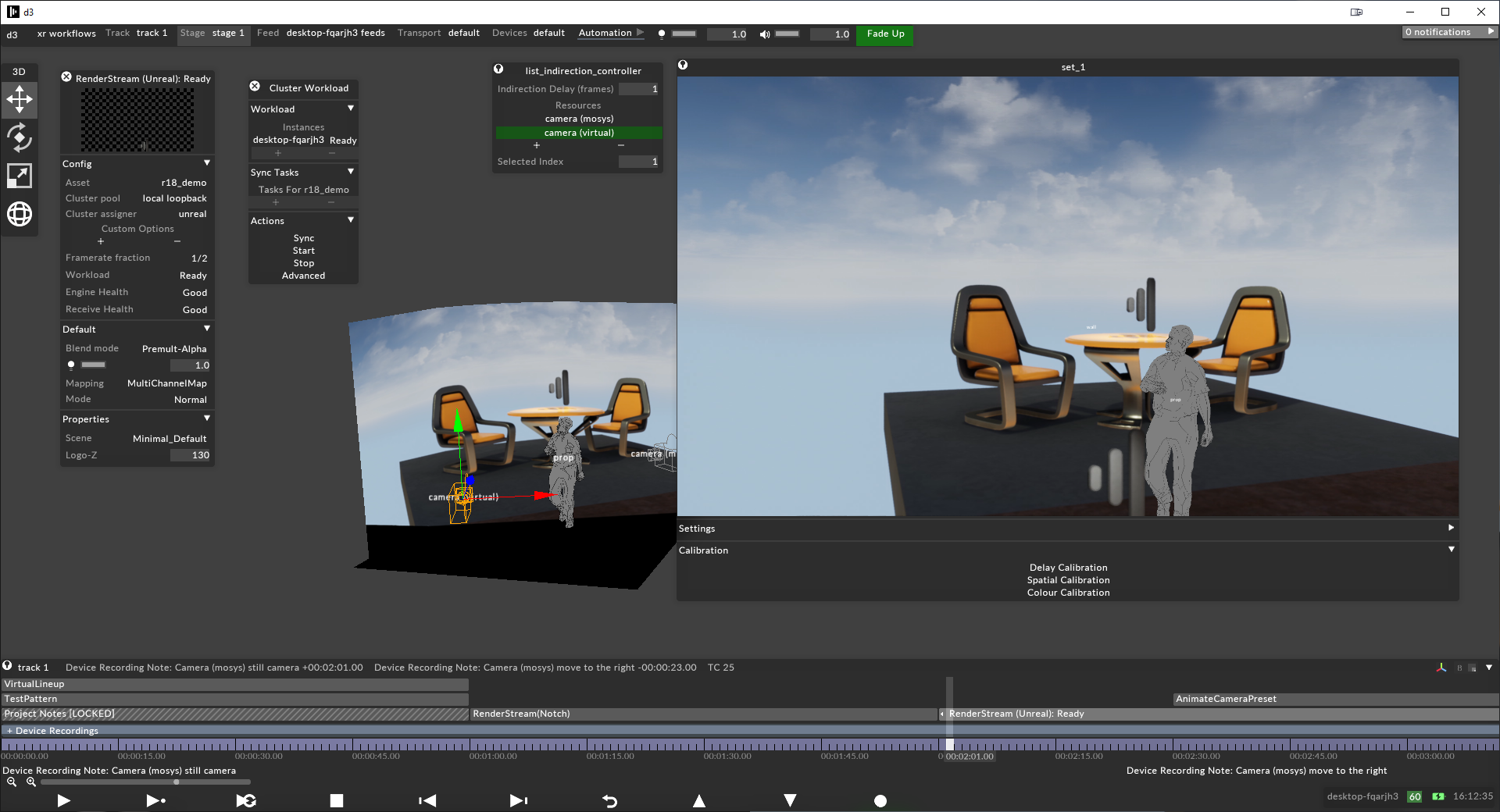
This project provides RenderStream input from Unreal Engine to disguise designer.
For the plugin setup process - please visit the RenderStream and Unreal Engine page for more details.
A Demo Unreal Project can be found on the disguise Resources page
Please note that from version 1.26 onwards, the plugin has been renamed from "disguiseuerenderstream" to "RenderStream-UE". Existing Unreal projects will need to be updated to reflect this.