
A graphical front end for vfox, the cross-platform version manager, built with the Material 3 Expressive design language.
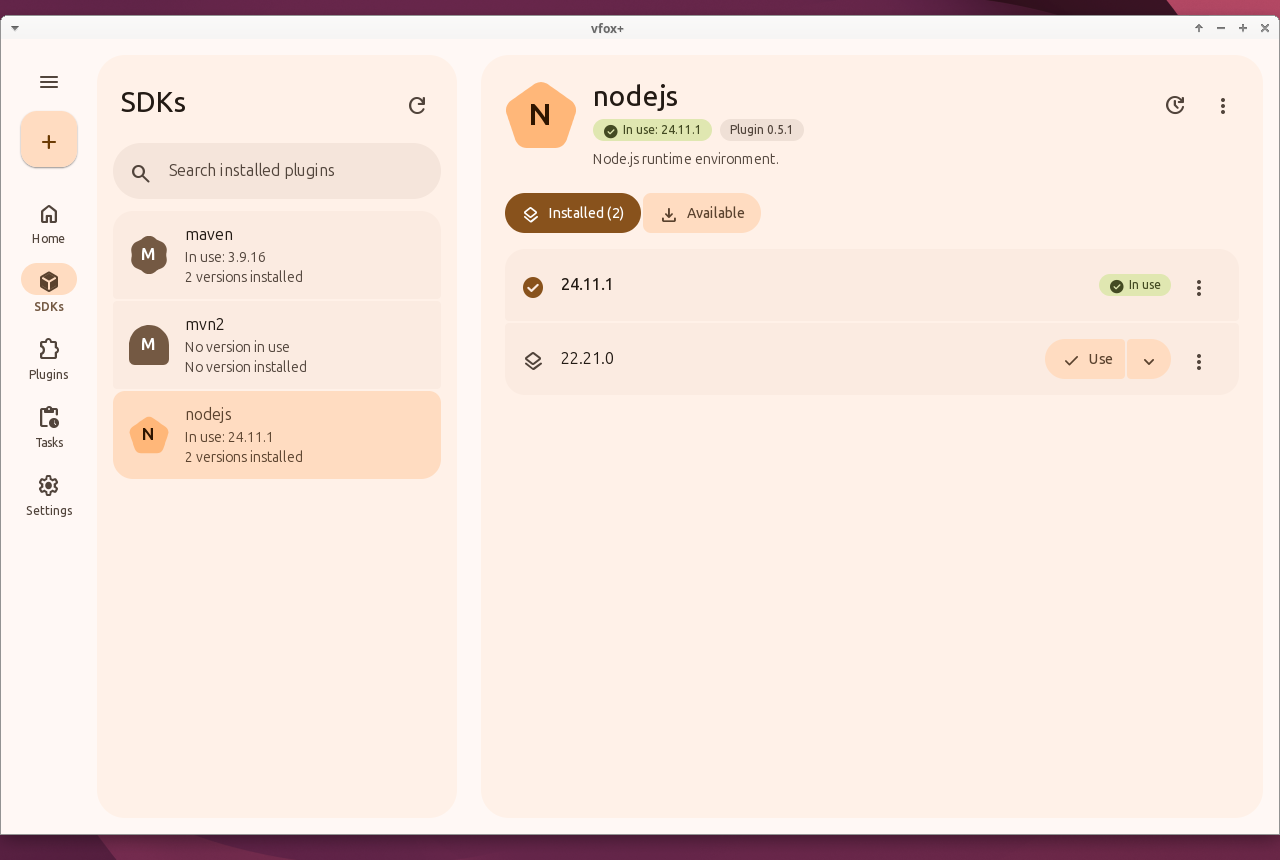
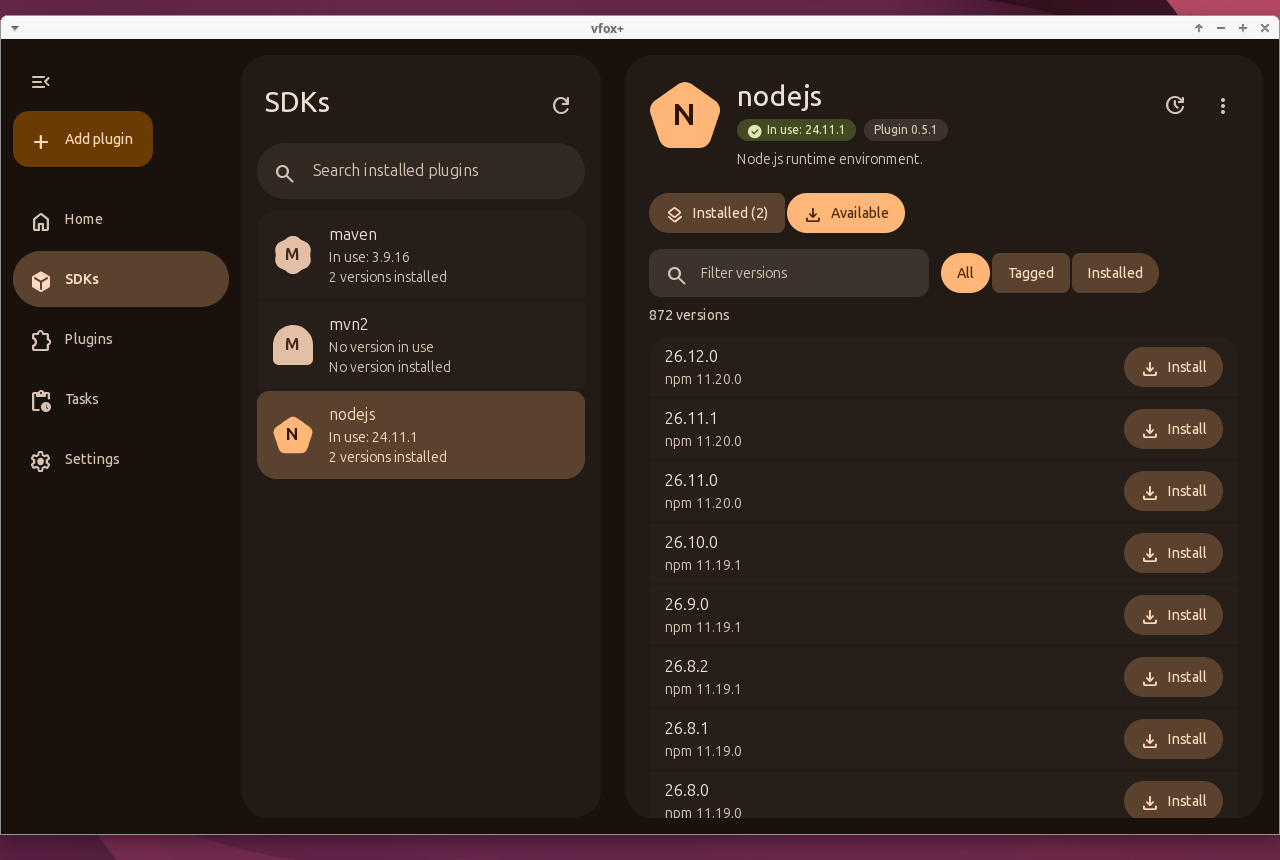
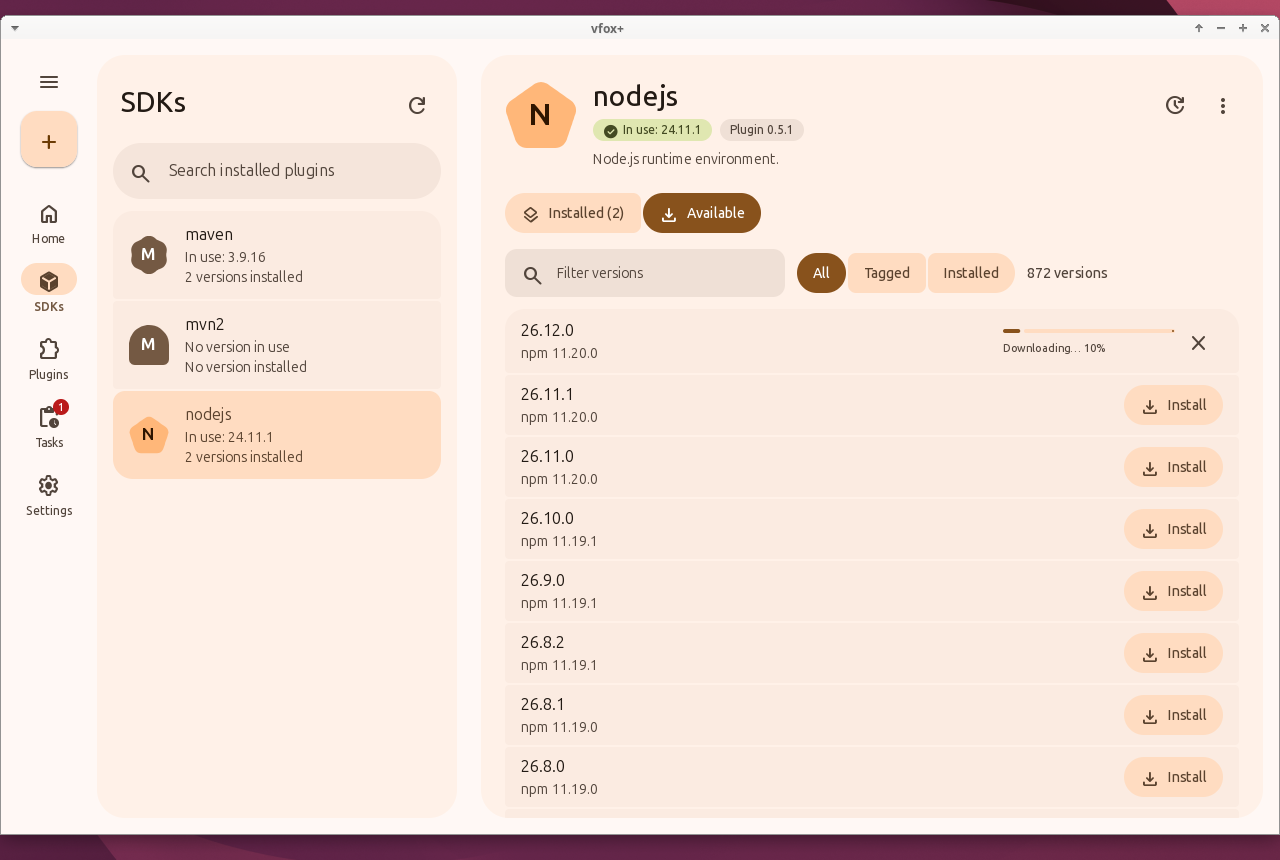
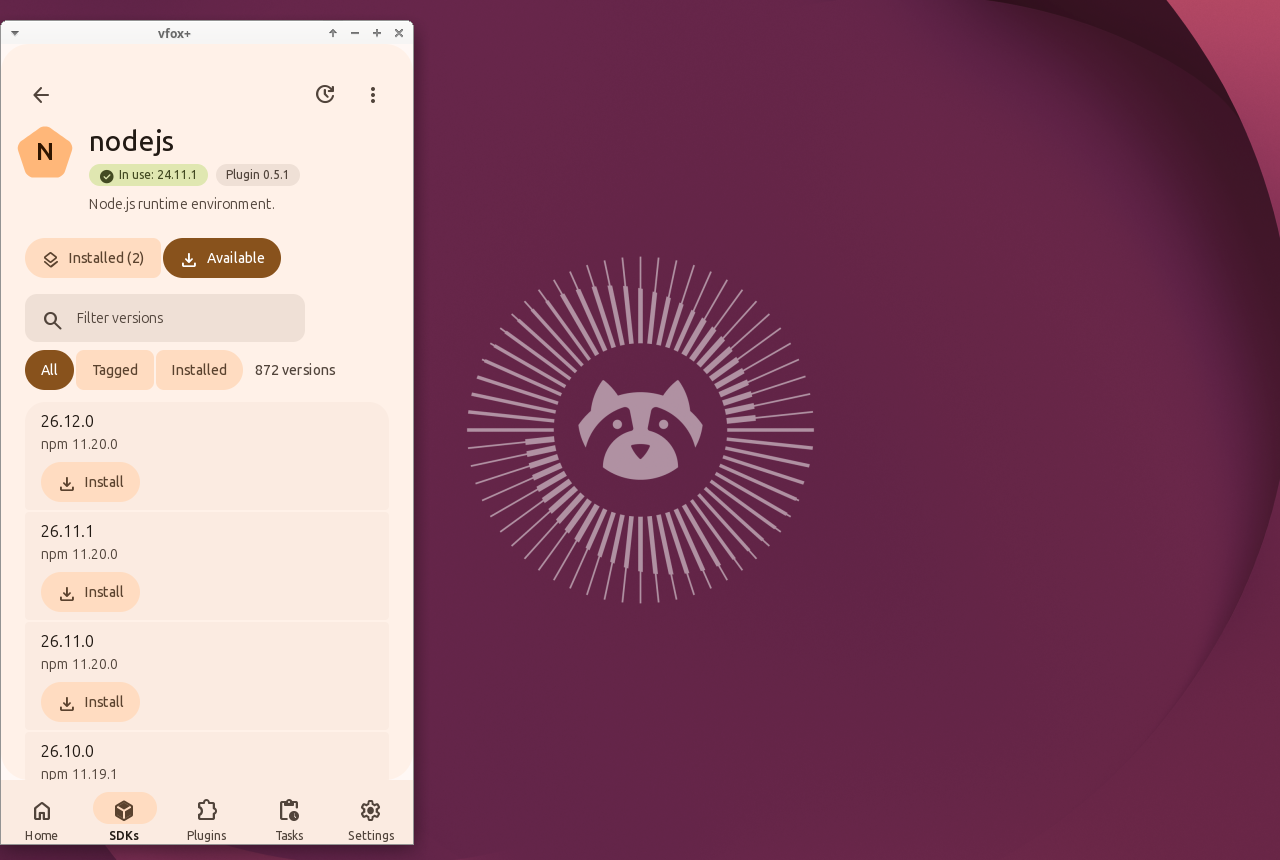
It is built with mygo 0.6.3 (Go), with its native user interface through GTK 3 and its own Material 3 Expressive components — no web view, no HTML, no JavaScript — in a single Go executable of about 12 MB. It uses about 45 MB of PSS on the Home page (see docs/memory.md). The screenshots show the application.
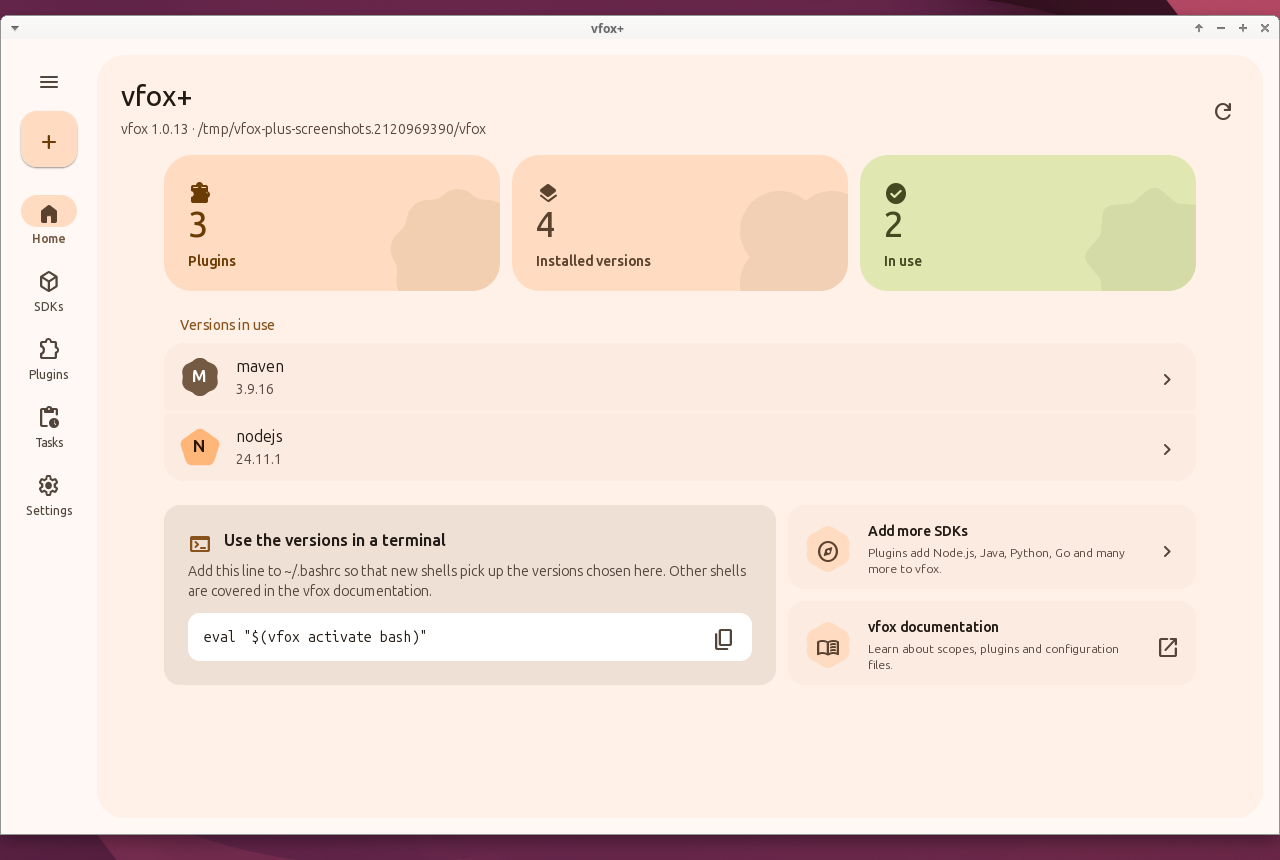
| Installed versions of an SDK | Available versions, dark theme |
|---|---|
 |
 |
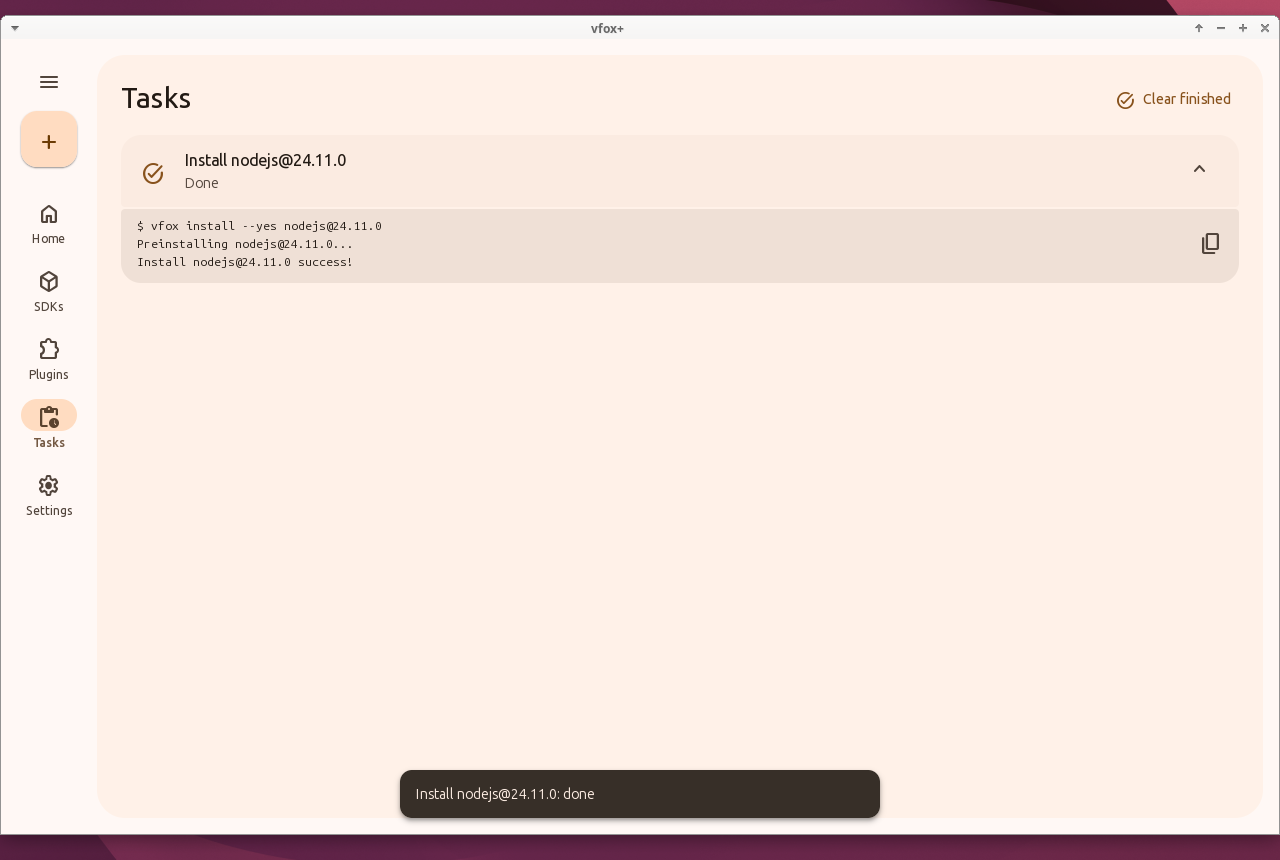
| An installation in progress | Tasks, which can be followed and cancelled |
|---|---|
 |
 |
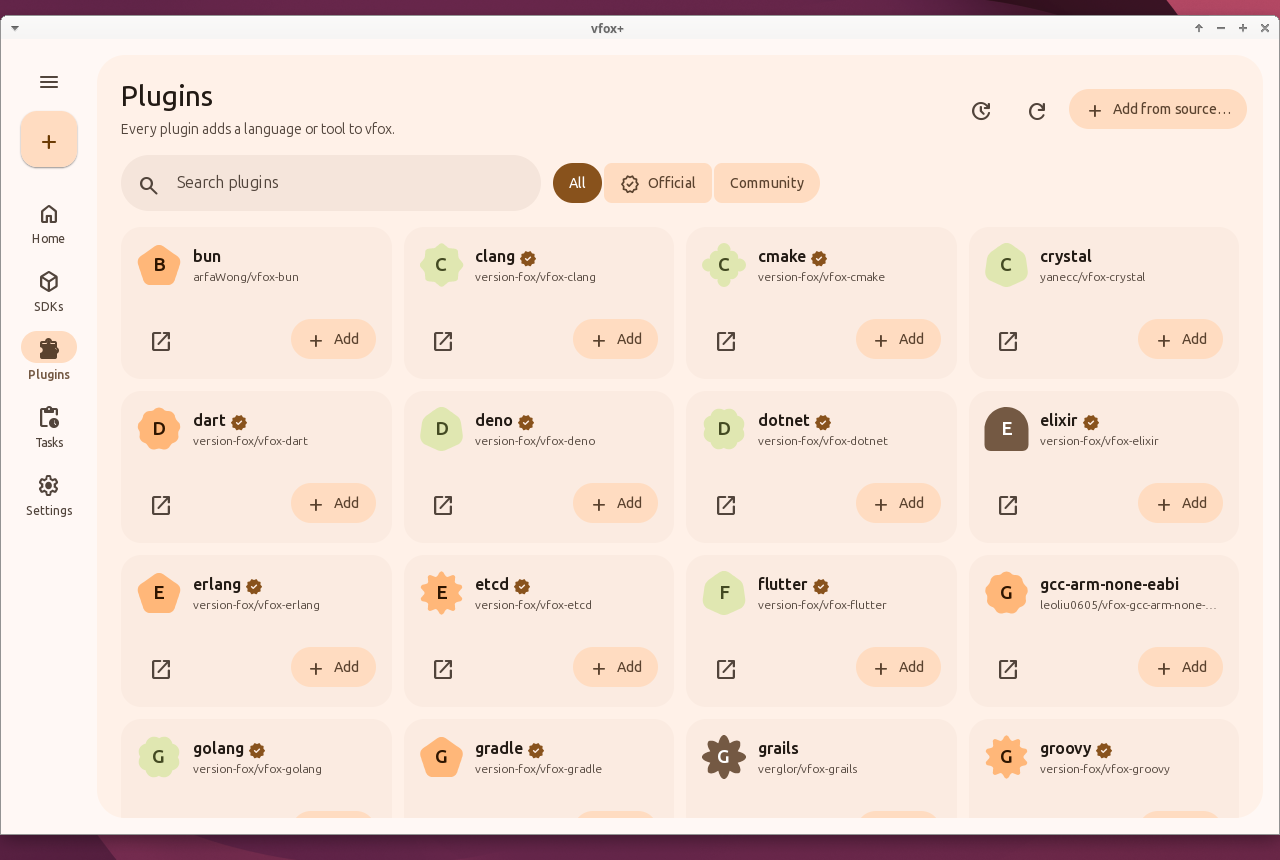
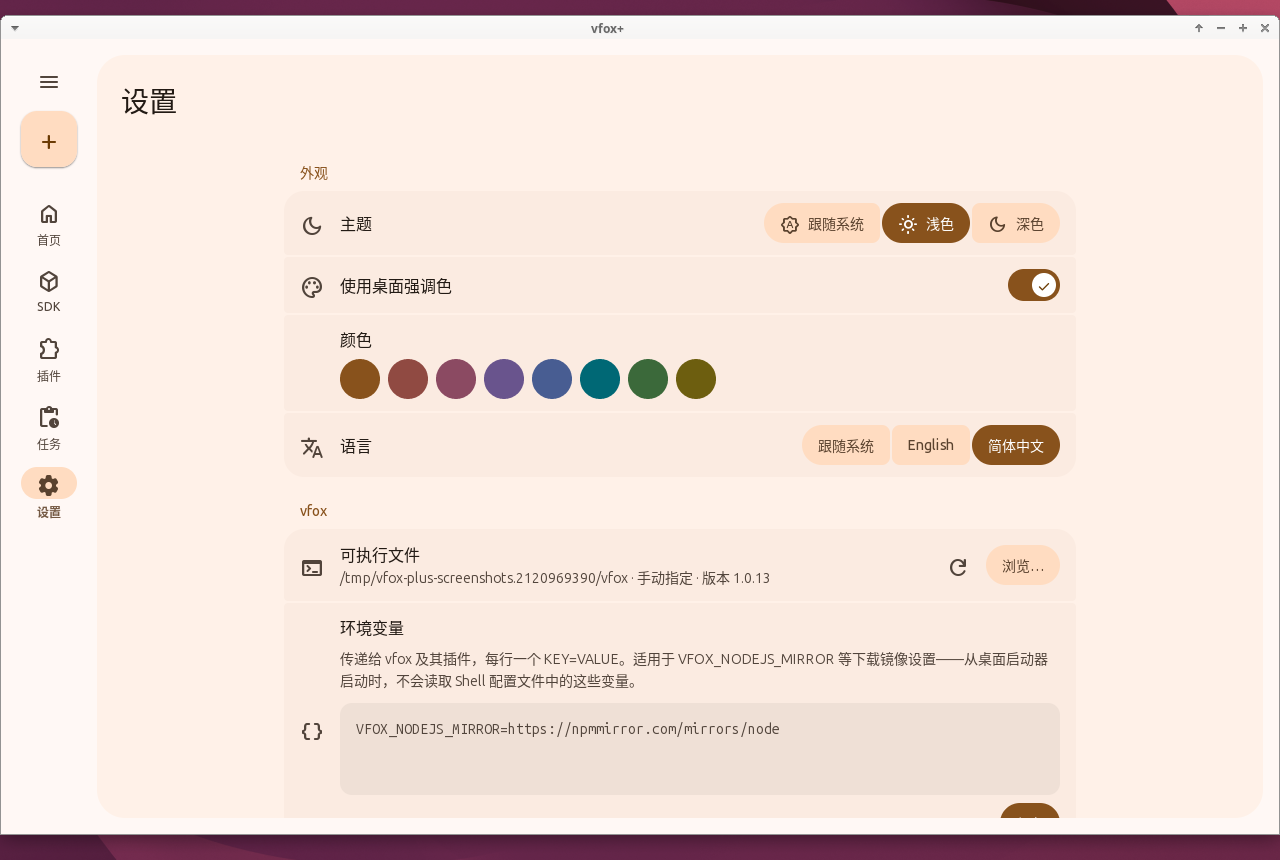
| The plugin registry | Settings in Simplified Chinese |
|---|---|
 |
 |
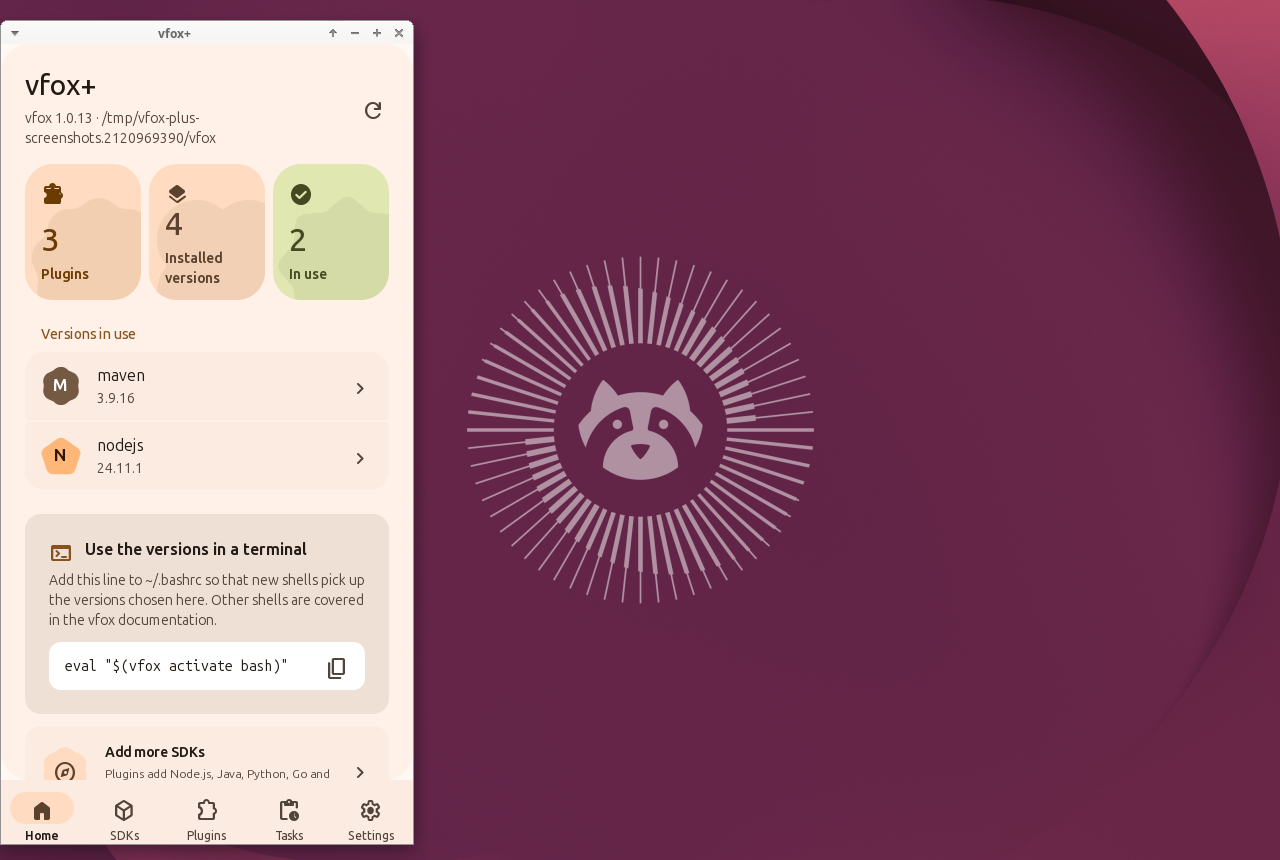
| Home in a compact window | An SDK in a compact window |
|---|---|
 |
 |
| Directory | Technology | Platforms | Package | Status |
|---|---|---|---|---|
mygo/ |
mygo 0.6.3 (Go), with its native user interface through GTK 3 on Linux and the Windows backend on Windows, and its own Material 3 Expressive components | Linux desktop, Windows 11 desktop | vfox-plus |
Working on Linux; Windows builds, packages and installs (unsigned sideloading), smoke-tested manually |
- Shows the installed SDKs, the versions in use and statistics at a glance.
- Installs, uninstalls and selects SDK versions, globally or for a project, with live download progress.
- Browses the vfox plugin registry, adds plugins (also from a URL or a file), updates and removes them.
- Runs every change as a task that can be followed, cancelled and retried.
- Edits the vfox configuration (proxy, registry, storage, legacy version files, caches, timeouts) and extra environment variables such as download mirrors.
- Speaks English and Simplified Chinese; follows the desktop theme and accent colour.
vfox+ drives the vfox command line tool, which must be installed separately (see the vfox installation guide).
The mygo workflow builds packages for every
change. Download the vfox-plus-linux-x64 artifact of the latest
successful run, then:
sudo apt install ./vfox-plus*_amd64.deb   # Ubuntu 26.04
vfox-plus
or extract the .tar.gz anywhere and run ./vfox-plus. To build from source,
see the mygo README; with nothing but Docker,
vfxtool sandbox package builds both files into dist/sandbox/
without changing anything on your machine.
On Windows 11, download the vfox-plus-windows artifact instead, extract it
and install the unsigned .msixbundle in an elevated PowerShell
(see Windows packaging):
Add-AppxPackage -Path .\vfox-plus_<version>.msixbundle -AllowUnsignedThe bundle is not signed yet; an officially signed bundle will be provided later.
vfox-plus pair connects a browser to the vfox-plus on this machine, in the
style of opencode pair. It works the same in bash on Ubuntu and in
PowerShell on Windows:
vfox-plus pairOpen the link it prints. Links work once and expire after a few minutes. The
paired browser gets the full web interface at /app: installed SDKs with
install/use/uninstall, the plugin registry with add/update/remove, tasks
with live progress and logs, and the settings.
To connect a browser on another machine, or to run vfox-plus in a container, keep the pairing server up instead:
vfox-plus serve --port 8080and open the link it prints, with its address replaced by the reachable one.
A paired browser mints links for more browsers with GET /api/token.
Non-loopback servers speak HTTPS: without --tls-cert/--tls-key a
self-signed certificate is generated next to the settings on first start,
and its fingerprint is printed for comparison in the browser. Bring your
own certificate to avoid the warning. The
published Docker image runs this server with no display needed; see
Packaging:
docker build -f mygo/Dockerfile -t vfox-plus .
docker run --rm -p 8080:8080 vfox-plusdocs/ Shared specification: architecture, vfox CLI contract, UI, design system, i18n
shared/ Shared resources: translations, icons, captured vfox output (test fixtures), an offline
test plugin, the end-to-end runner, packaging files, vfxtool (the Go developer
tool) and the shared parts of the sandbox
mygo/ The application
.github/ CI workflows: repository checks, the build, the memory report and the sandbox
| Document | Content |
|---|---|
| docs/architecture.md | Layers, settings file, dependencies, memory |
| docs/vfox-cli-contract.md | How the GUI runs vfox and parses its output |
| docs/ui-spec.md | Screens, flows and states |
| docs/design-system.md | Material 3 Expressive colour, shape, type, motion and components |
| docs/i18n.md | Translation catalogues and glossary |
| docs/memory.md | The memory use of the application, measured the same way |
See CONTRIBUTING.md.
vfox-plus is licensed under the Apache License 2.0. Material Symbols are licensed under the Apache License 2.0 by Google.