
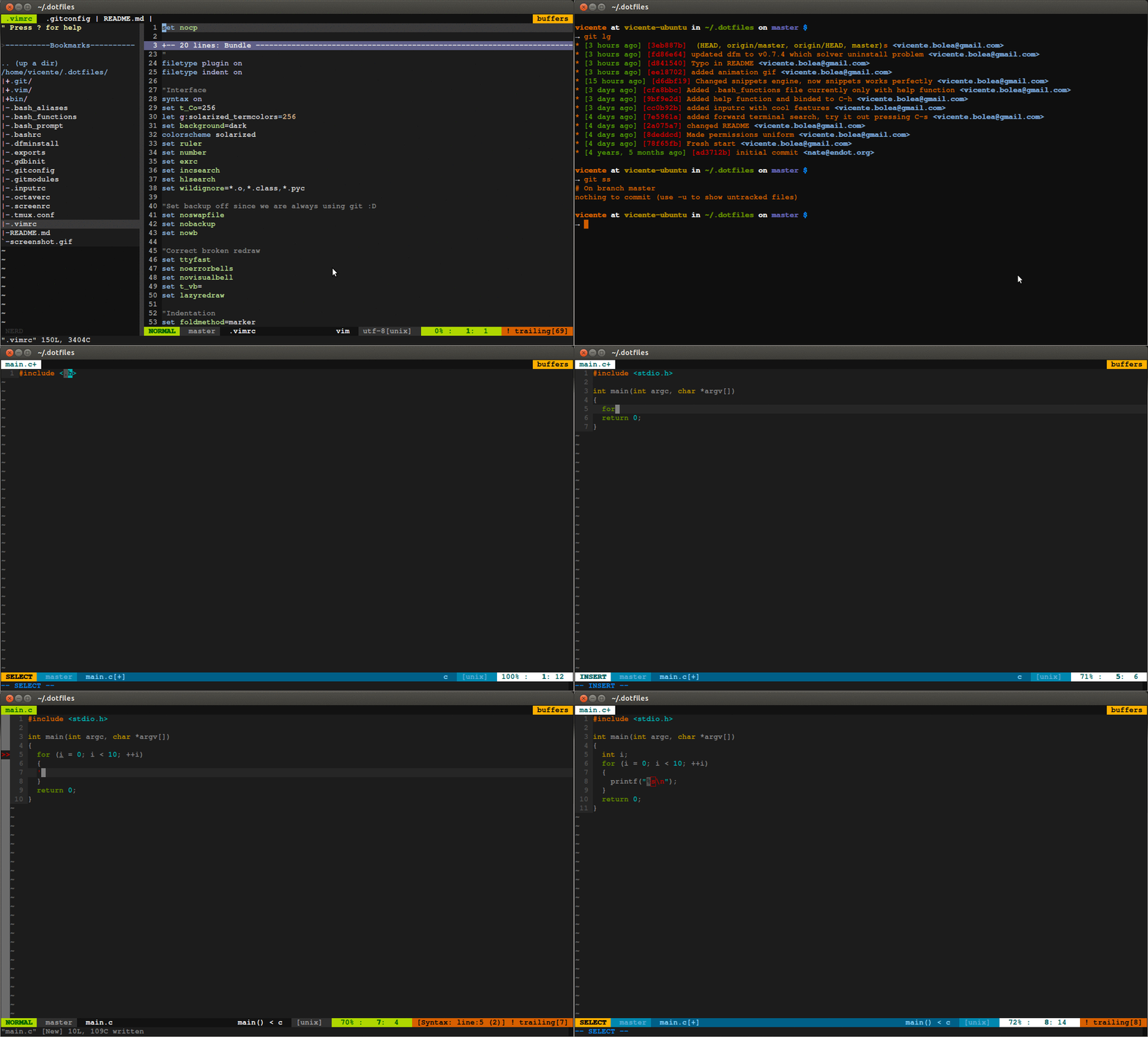
ONE LINER install with this single command:
git clone --recursive https://github.com/vicentebolea/dotfiles.git .dotfiles \
&& cd .dotfiles && DFM_REPO=$(pwd) .res/dfm install- Only depends on GIT
- It was designed having in mind being forked so that you can freely modify it.
- As well if you are not going to modify you can just download it.
- BASH configuration with a cool prompt and a separated file structure to ease distributing your configuratiom accross different machines.
- VIM configuration (Vim 8.0+) with a small set of plugins focussed in C/C++ development, see Vim.
- GDB configuration which support C++ standard library data strutures and more fancy things.
- SCREEN & TMUX configuration to make it more fancy and to support 256 colors with vim. (Requires tmux 2.1+)
- GIT configuration with several shortcuts, extra tools and many colors.
- Few extras such as fonts and dircolors.
- More..
| Software | Minimum Version | Notes |
|---|---|---|
| git | 2.20+ | Core dependency |
| bash | 4.0+ | Shell configuration |
| vim | 8.0+ | Editor configuration and plugins |
| tmux | 2.1+ | Terminal multiplexer features |
| gdb | 7.0+ | Modern pretty printers |
# First, make sure you have git installed, if not run the next command if you are in ubuntu:
$ sudo apt install git

# Then, clone the repository and install the dotfiles:
$ git clone --recursive https://github.com/vicentebolea/dotfiles.git .dotfiles && cd .dotfiles && ./.res/dfm installThe only configuration needed for vicente's dotfiles should be inside of a file
called .bash_local in your home directory.
The file should contain these lines, but change my name and email for yours:
GIT_AUTHOR_NAME="Vicente Adolfo Bolea Sanchez"
GIT_AUTHOR_EMAIL="vicenolea@gmail.com"The plugins are git submodules loaded as native Vim packages from
.vim/pack, so there is no plugin manager to run: git clone --recursive is
enough.
| Plugin | Purpose |
|---|---|
| vim-solarized8 | Color scheme (solarized8_high, 16-color terminal palette) |
| vim-airline, vim-airline-themes | Status line and tabs |
| nerdtree | File tree (F9) |
| ctrlp.vim | Fuzzy file finder |
| vim-fugitive | Git integration (<leader>d diff) |
| vim-cmake-presets | CMake presets sidebar (F8), needs Vim 8.1+ with +python3 and +terminal |
| copilot.vim | Only loaded on Vim 9.0.0185+, disabled by default (:Copilot enable) |
| a.vim, delimitMate, vim-endwise, vim-easy-align, vim-unimpaired, vim-sensible | Editing helpers |
To update the plugins to their latest upstream version:
$ git submodule update --init --remote#It will destroy any change in those files, but not in .bash_independent. Go to dotfiles directory
$ cd ~/.dotfiles && git fetch --all && git reset --hard origin/master
# This will not delete the .bash_independent file.- DFM: a.k.a Dot Files Manager, made possible having the dotfiles in a separated directory.
- mathiasbynens/dotfiles: Some of the ideas are taking from this repository.